


Ford Co-Pilot360 Explained
Belle Fourche Ford
A plain-language guide to Ford Co-Pilot360, Assist+, Active 2.0, and BlueCruise using Ford support and ford.com figures.
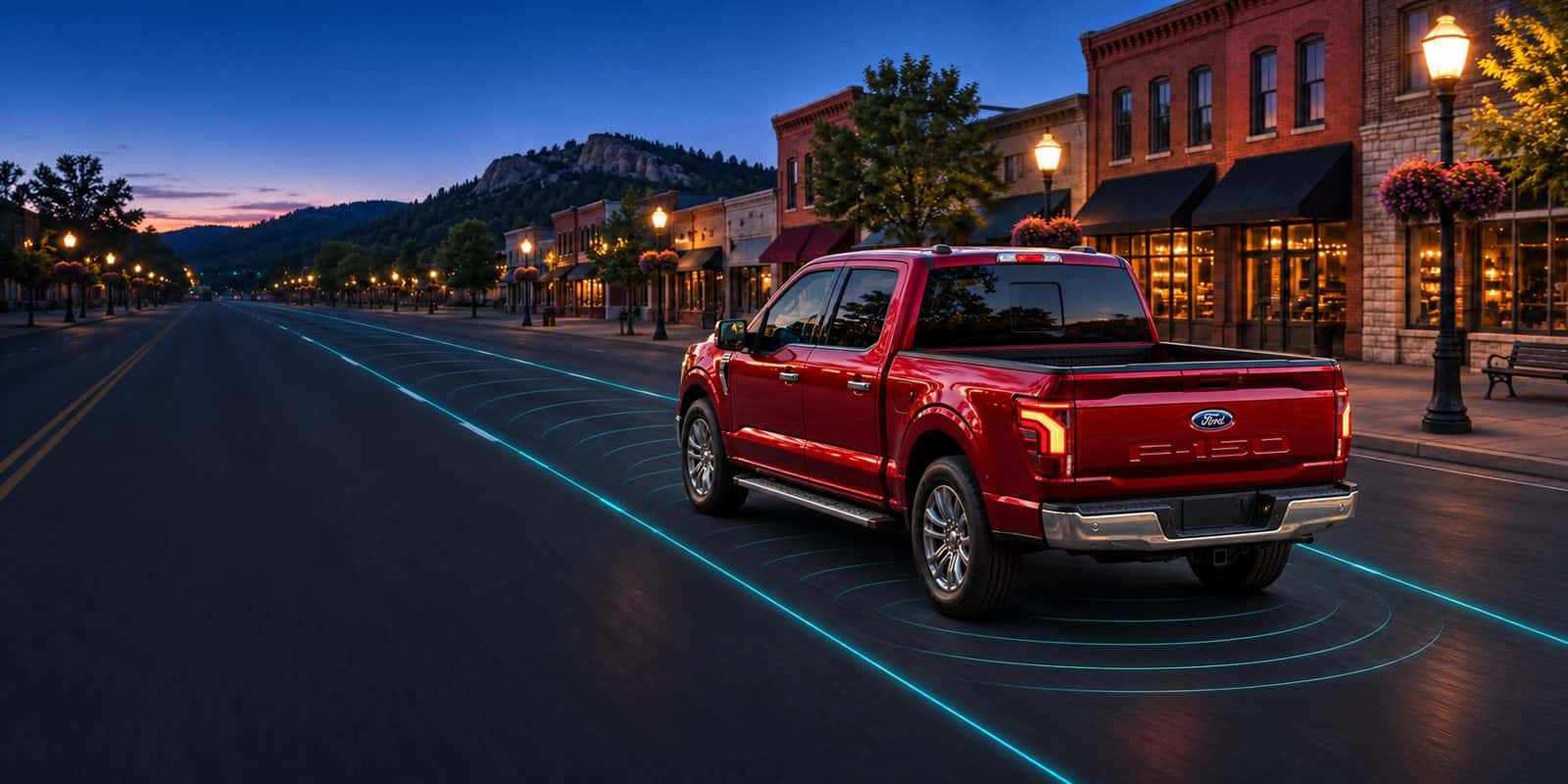
Ford Co-Pilot360 is the name Ford uses for a suite of driver-assist features that help with braking, blind spots, lane keeping, and camera views. Higher packages add Adaptive Cruise Control with lane centering. Available BlueCruise adds hands-free highway driving on prequalified Blue Zones when the hardware and plan are in place.
These systems assist. They do not replace a driver. You still steer when the system asks, keep your eyes on the road for BlueCruise, and stay ready to take over in weather, construction, or unclear lane markings.
Feature lists below follow Ford support pages for Co-Pilot360 and Assist+, plus ford.com/technology/bluecruise, checked October 26, 2026. Fitment changes by model, year, and trim. Confirm the window sticker on the Ford you buy.
What Ford Co-Pilot360 is
Think of Co-Pilot360 as Ford’s umbrella for driver-assist tech. Cameras, radar, and software watch for vehicles in blind spots, help keep you in a marked lane, and can apply brakes in certain forward-collision situations. Assist+ adds Adaptive Cruise Control with Stop & Go and lane centering. On some models, BlueCruise comes as part of a higher package. Ford’s package names change by model and year, so check the window sticker.
| Package | What Ford highlights | Subscription? |
|---|---|---|
| Co-Pilot360 (standard suite) | Pre-Collision Assist with AEB, BLIS with Cross-Traffic Alert, Lane-Keeping System, Rear View Camera, Auto High-Beam Headlamps (content varies by model) | No BlueCruise plan required for these core features |
| Co-Pilot360 Assist+ | Adaptive Cruise Control with Stop & Go and Lane Centering, Post-Collision Braking, Evasive Steering Assist | No BlueCruise plan for Assist+ itself |
| Active / BlueCruise path | Hands-free highway driving on Blue Zones when hardware and plan are active | Active BlueCruise plan after any trial |
Feature names follow Ford support pages. Exact content changes by model year and trim. Confirm the sticker.
Standard Co-Pilot360 features
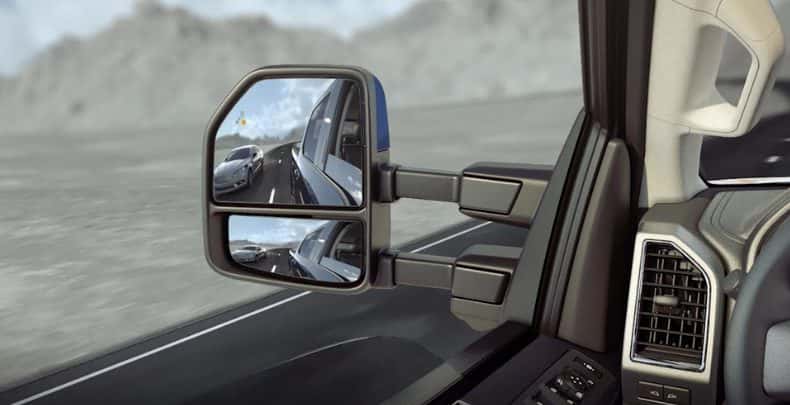
On many models, Ford’s support list for the standard suite includes Pre-Collision Assist with Automatic Emergency Braking, Blind Spot Information System (BLIS) with Cross-Traffic Alert, Lane-Keeping System, a rear view camera, and Auto High-Beam Headlamps. Those tools help in parking lots, on I-90, and when another vehicle sits in a blind spot. Not every model and trim gets every item, so check the window sticker for the Ford you want. These features still need clean sensors and a driver who stays engaged.
Co-Pilot360 Assist+
Assist+ adds Adaptive Cruise Control with Stop & Go and Lane Centering, plus Post-Collision Braking and Evasive Steering Assist on Ford’s support list. Contents change by model and trim. Assist+ matters most for highway miles between Belle Fourche, Spearfish, and longer road trips. Lane centering still needs clear markings. Stop & Go still needs you ready to take over in stop-and-go traffic.
BlueCruise and Active 2.0
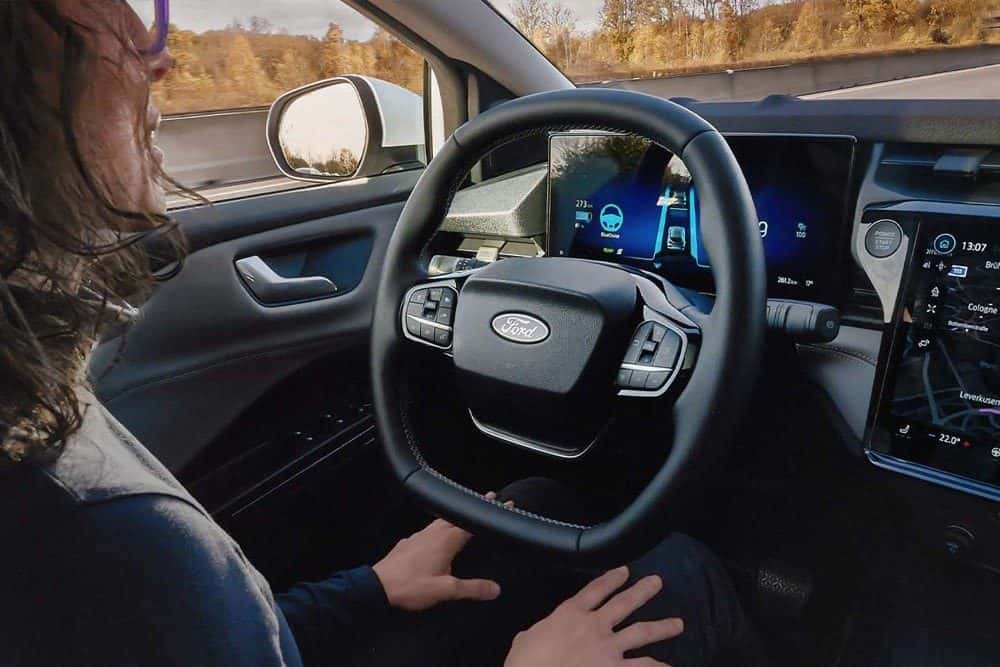
BlueCruise is Ford’s hands-free highway driver-assist system. It helps control steering, braking, and acceleration while keeping you centered in your lane on prequalified divided-highway sections Ford calls Blue Zones. Ford keeps a current map and mileage of Blue Zones on its BlueCruise page. A driver-facing camera watches eye gaze and head position so your eyes stay on the road.
BlueCruise is not self-driving. Ford states you must keep your eyes on the road and be ready to take control. Weather, construction, narrow lanes, and missing markings can prevent engagement or cause the system to hand control back to you.
BlueCruise needs an active plan after any included trial. Ford offers monthly, annual, and one-time purchase options. Prices and trial terms change, so check ford.com/technology/bluecruise for current pricing. Ford lists which models and trims can get BlueCruise on the same page, and F-150 and Explorer are among them. Ask us to confirm BlueCruise on the exact truck or SUV you want.
Which Ford vehicles have Co-Pilot360?
Many late-model Ford cars, SUVs, and trucks carry some form of Co-Pilot360. What is standard and what is optional changes by model, year, and trim. BlueCruise hardware is more limited than the base suite. Read the window sticker and ask us to point out the driver-assist line items before you compare two trucks that look the same from the curb.
Warning lights and everyday limits
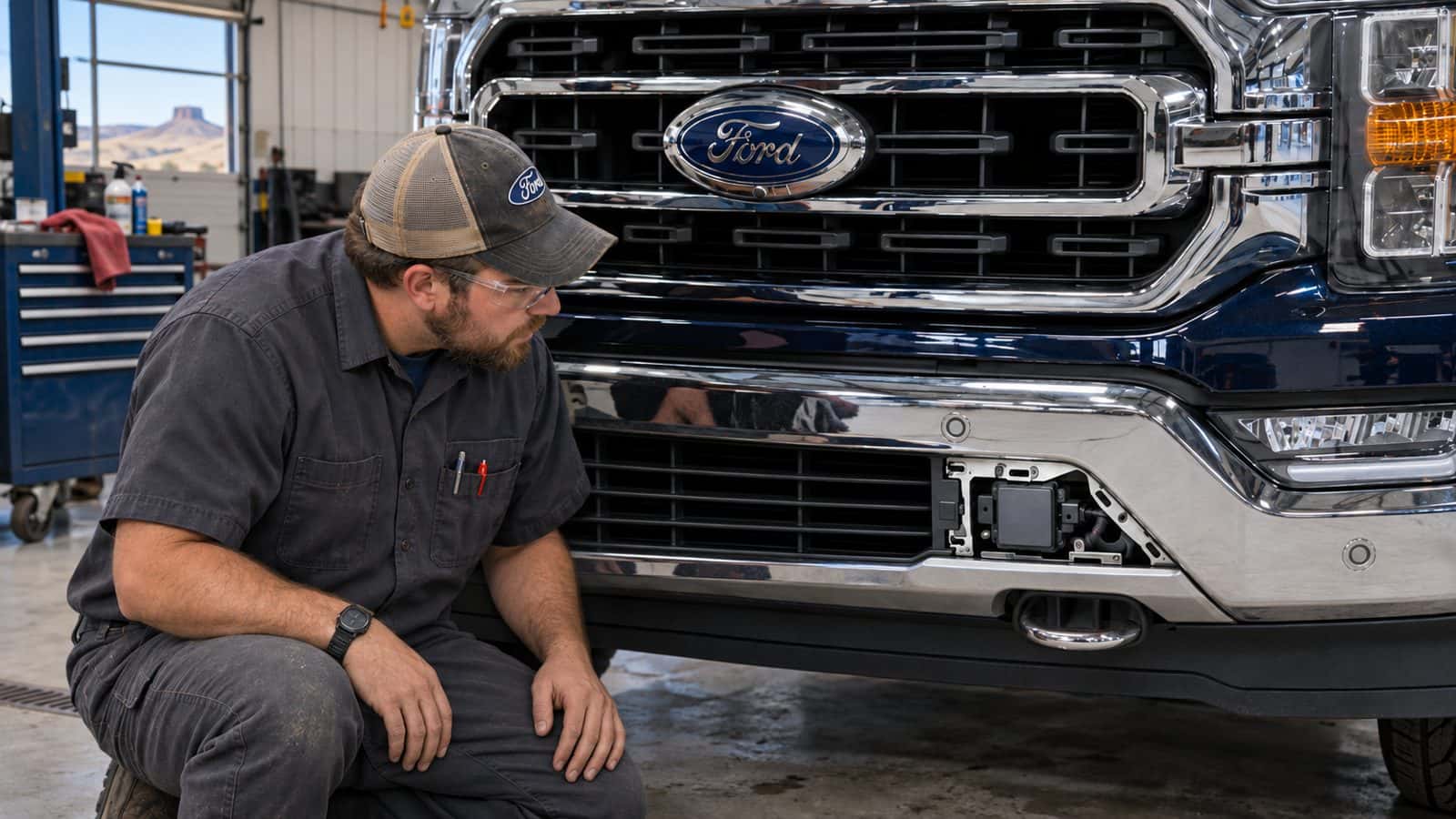
Cluster messages for BLIS, Lane-Keeping, Pre-Collision Assist, or Adaptive Cruise often point to dirty cameras, snow packed on the grille, heavy rain, or a temporary fault. Clean the windshield camera area and front sensors first. If a light stays on after the glass is clear, schedule service. After windshield or bumper work, cameras and sensors may need calibration so the system aims correctly. Our service team can check it.
If you want to know whether these features change your insurance rate, ask your insurer.
Service in Belle Fourche
Belle Fourche Ford is at 30 5th Ave, Belle Fourche, SD 57717. Call sales at 605-699-4158. Main line 605-892-2643. Browse F-150 inventory, Explorer inventory, or schedule work at our service department. Bring the VIN when you ask about BlueCruise eligibility or a warning light that will not clear.
Ford Co-Pilot360 FAQ
Is Ford Co-Pilot360 standard on all new Fords?
Availability varies by model, year, and trim. Ford support pages describe a standard Co-Pilot360 suite on many new Fords, with Assist+ and Active / BlueCruise packages available on select vehicles. Confirm the window sticker for the truck or SUV you want.
Is Ford Co-Pilot360 the same as BlueCruise?
No. Co-Pilot360 is Ford’s broader driver-assist brand. BlueCruise is a hands-free highway driving feature that builds on Adaptive Cruise Control and lane centering on prequalified Blue Zones. BlueCruise needs equipped hardware and an active plan after any trial period.
Can Ford Co-Pilot360 be added to an older Ford?
Factory Co-Pilot360 packages depend on the sensors, cameras, and software a vehicle was built with. Ford does not list a retrofit kit for this. Ask our service team what your VIN can support and whether a recall or software update applies.
Does Ford Co-Pilot360 require a subscription?
Core Co-Pilot360 features such as Pre-Collision Assist, BLIS, and Lane-Keeping do not use the BlueCruise subscription model. Available BlueCruise hands-free highway driving requires equipped hardware and an active plan after any included trial. Ford lists monthly, annual, and one-time purchase options. Check ford.com/technology/bluecruise for current pricing.
Why is my Ford Co-Pilot360 light on?
Common causes include dirty cameras or sensors, snow or heavy rain, blocked radar, and temporary faults. Clean the windshield camera area and front sensors, then see if the message clears. If a warning stays on, schedule service so a technician can check calibration and software.
How much does Ford BlueCruise cost?
Ford sells BlueCruise as a monthly plan, an annual plan, or a one-time purchase, and eligible vehicles may include a trial. Prices change, so check ford.com/technology/bluecruise for current pricing before you buy.

0 comment(s) so far on Ford Co-Pilot360 Explained